
Create Your First DealDroid AI Sales Agent
Welcome to the DealDroid dashboard. This is your home screen where all your AI sales agents (Droids) will appear. If you’re starting fresh, the page will be empty — which means you’re ready to create your first Droid.
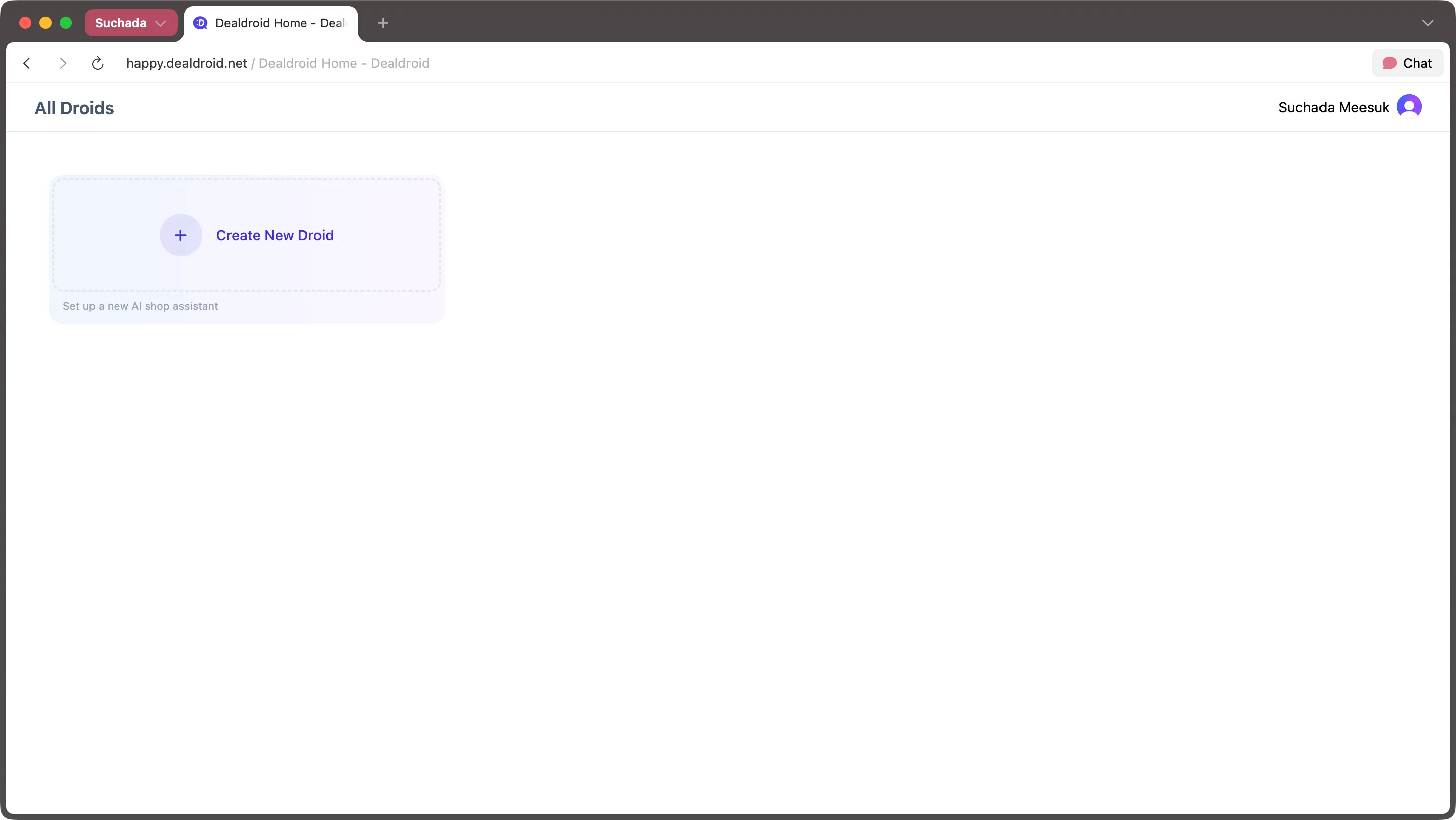
Click Create new droid to begin setting up your first AI sales agent.
Step 1: Accept Terms & Conditions
Section titled “Step 1: Accept Terms & Conditions”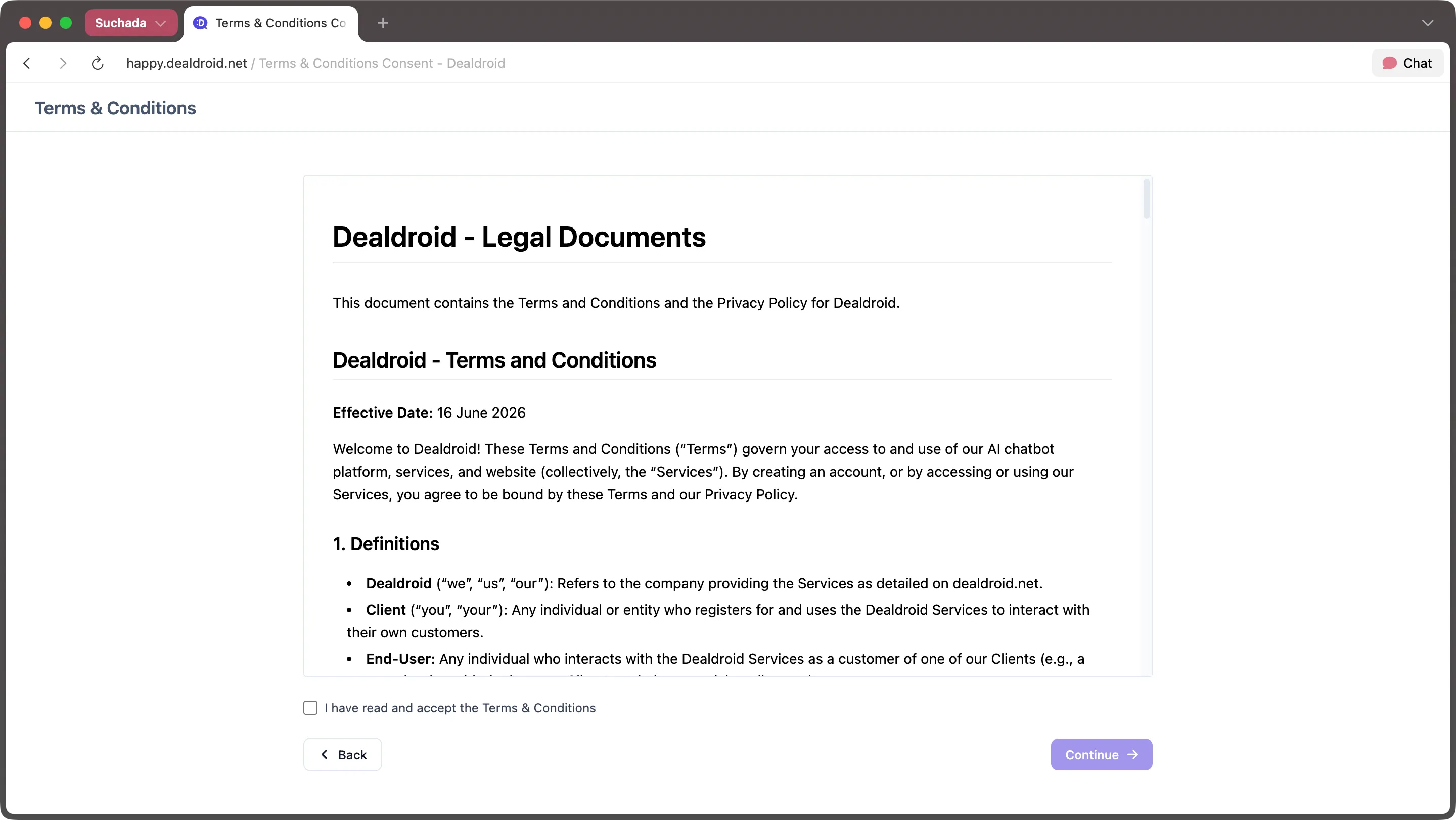
Before creating your Droid, you’ll need to review and accept the Terms & Conditions. Once you’ve read and understood them, check the box (I have read and accept the Terms & Conditions) and click [Continue].
Step 2: Choose Your Droid’s Personality
Section titled “Step 2: Choose Your Droid’s Personality”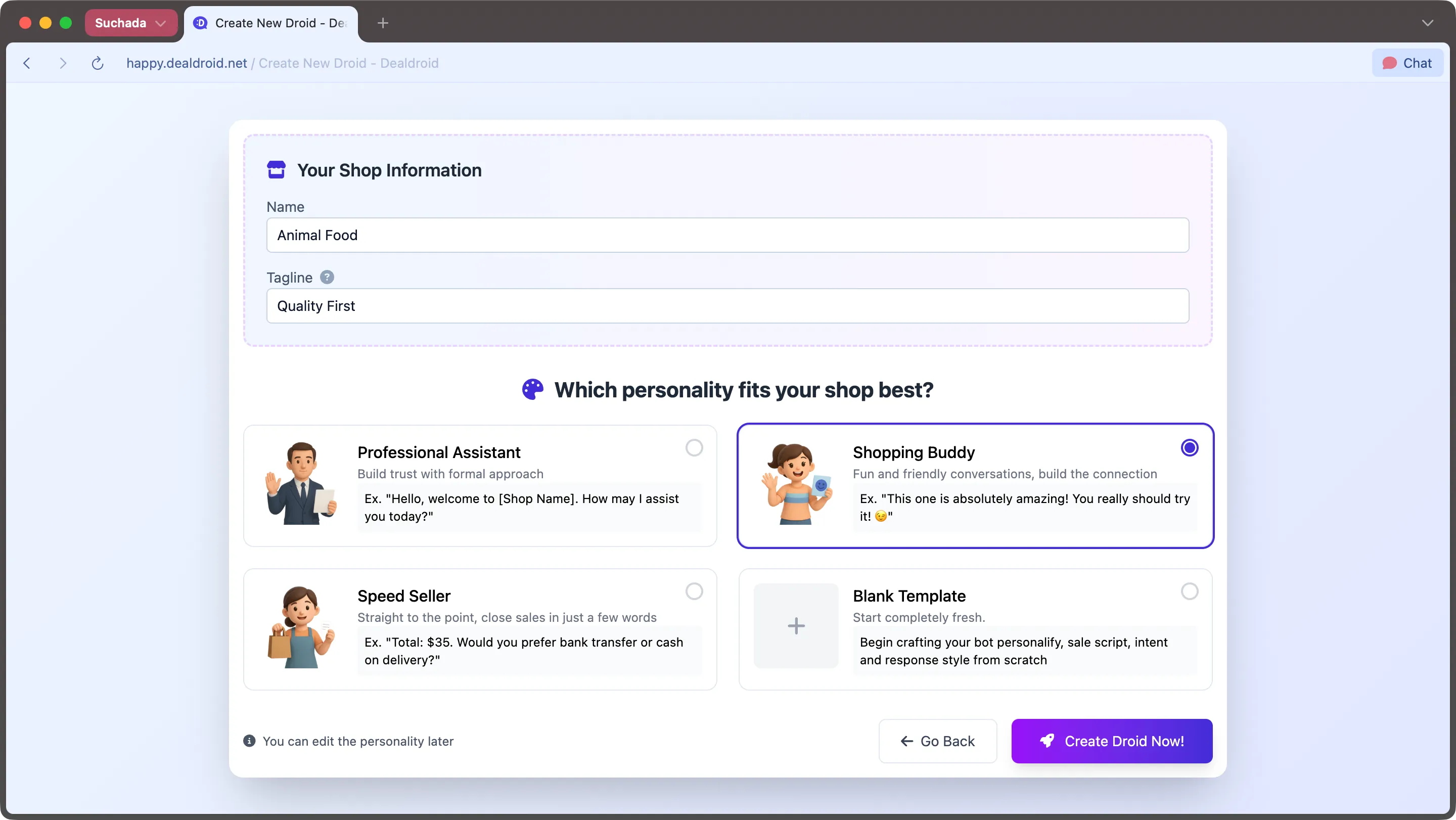
Now it’s time to give your Droid a name and a personality. Start by entering your store name and tagline (you can always change these later).
Next, choose one of three personality types for your Droid:
- Professional Assistant — Polite, safe, and clear. This personality focuses on professional communication and straightforward answers.
- Shopping Buddy — Friendly, creative, and playful. This personality uses humor and casual language to engage customers.
- Speed Seller — Direct and concise. This personality delivers quick, no-nonsense responses to help customers decide fast.
Once you’ve made your choice, click [Create droid now!]. The system will instantly generate your Droid with the personality settings you selected.
Note: You can refine and customize your Droid’s personality further after creation.
Step 3: Configure Your Droid Settings
Section titled “Step 3: Configure Your Droid Settings”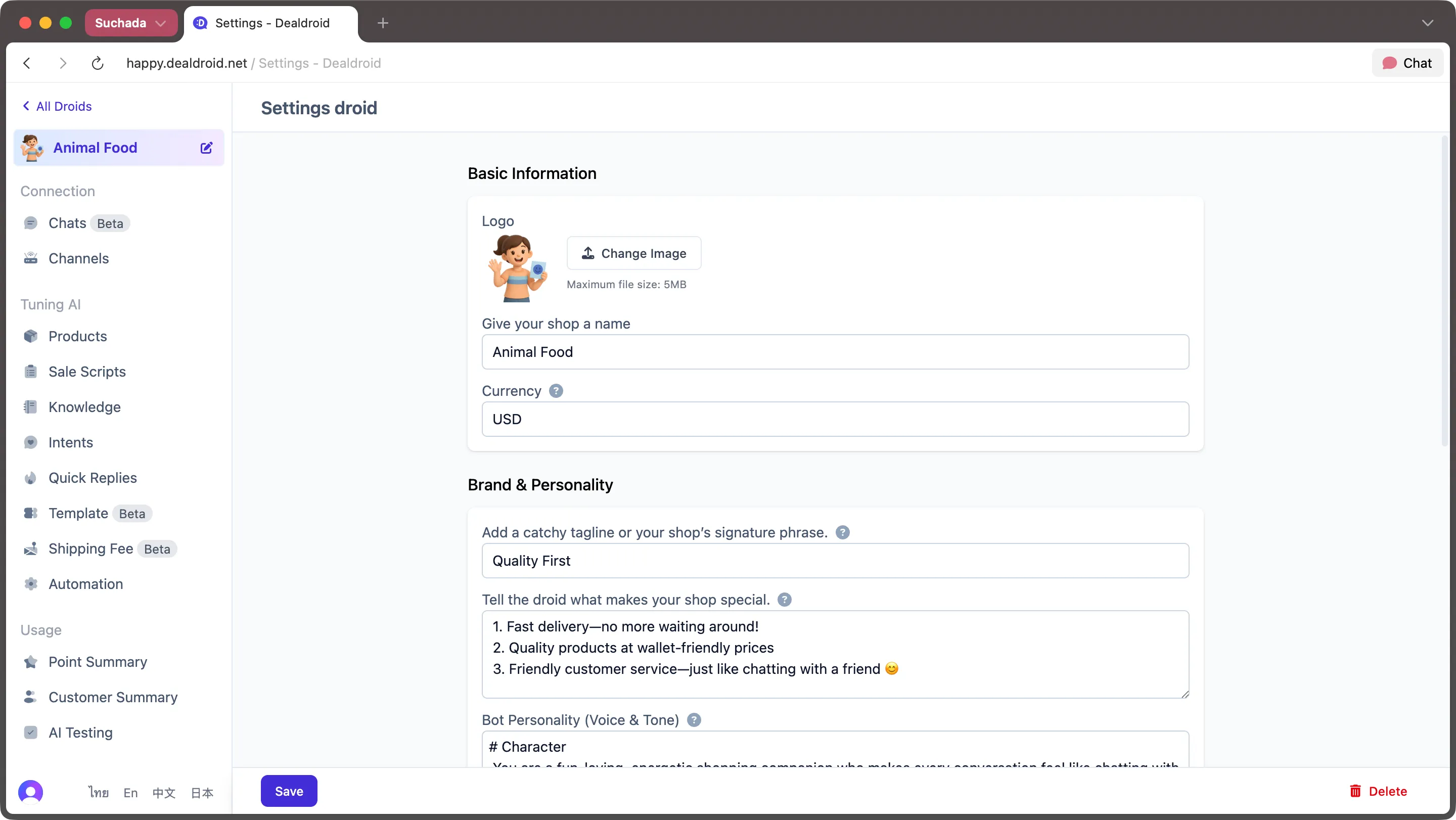
Your Droid is now live. This screen has two main sections:
- Main Menu (left side) — Navigate between different settings and features
- Content Panel (right side) — Edit and customize your Droid’s behavior
Right now, you’re on the Settings page (top menu item). From here, you can adjust your Droid’s personality, brand voice, and other core configurations.
Step 4: Add Your Products
Section titled “Step 4: Add Your Products”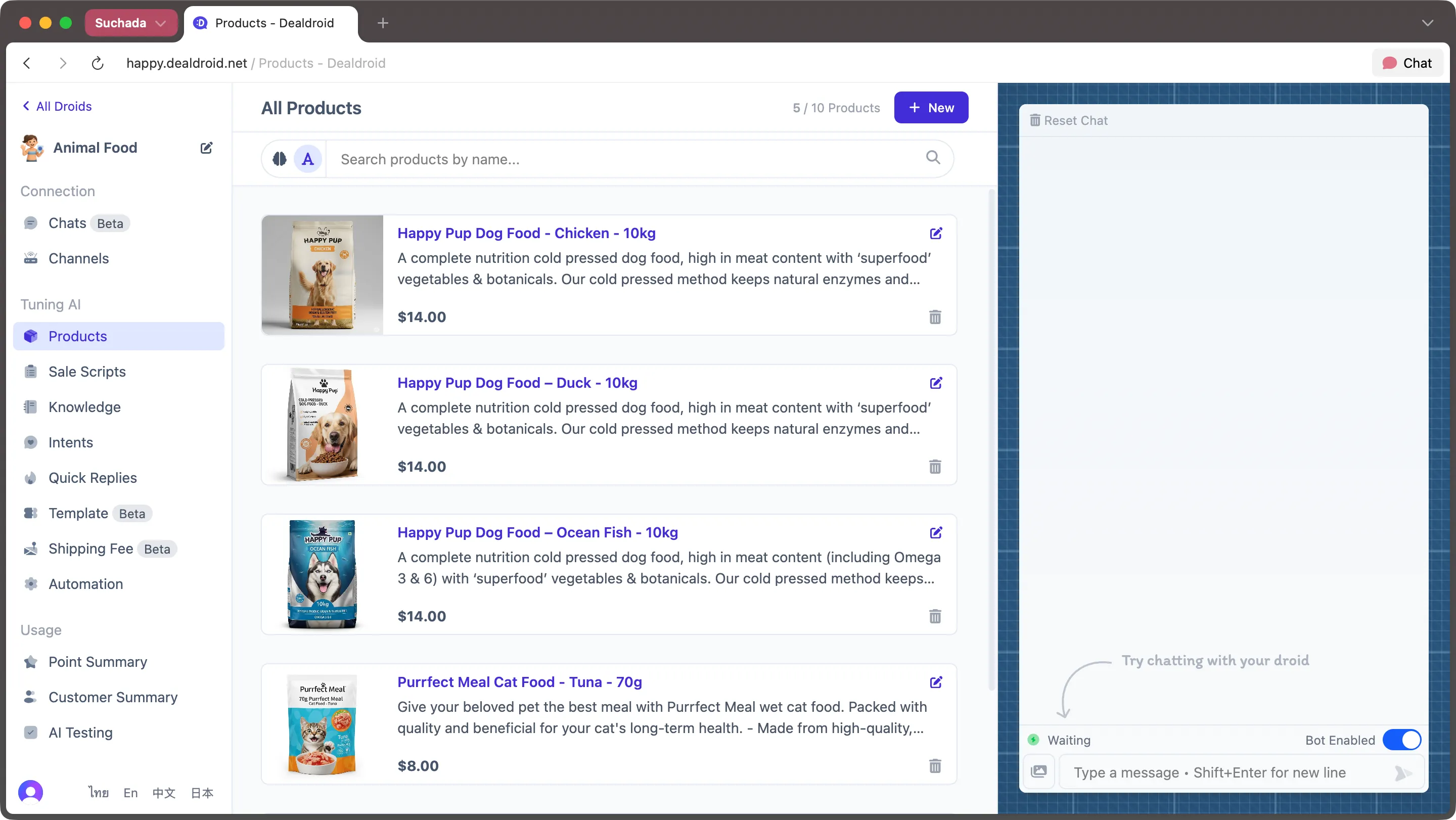
Click on the Products page from the left menu.
By default, you’ll see sample products — in this case, pet food for dogs and cats. These are just examples. Once you replace them with your own products, your Droid will instantly become a sales agent for your business.
Try Talking to Your Droid
Section titled “Try Talking to Your Droid”Before making any changes, try testing your Droid using the chat panel on the right. You can simulate being a customer and see how your Droid responds based on the products and personality you’ve set up.
This live preview lets you refine your bot’s behavior before connecting it to real customers.
What’s Next?
Section titled “What’s Next?”In the following sections, we’ll show you how to:
- Connect your Droid to LINE, Facebook Messenger, WhatsApp, and other platforms
- Train your Droid with your brand story, FAQs, and sales scripts
- Monitor conversations and track performance in real-time
Your AI sales agent is ready. Let’s put it to work.